
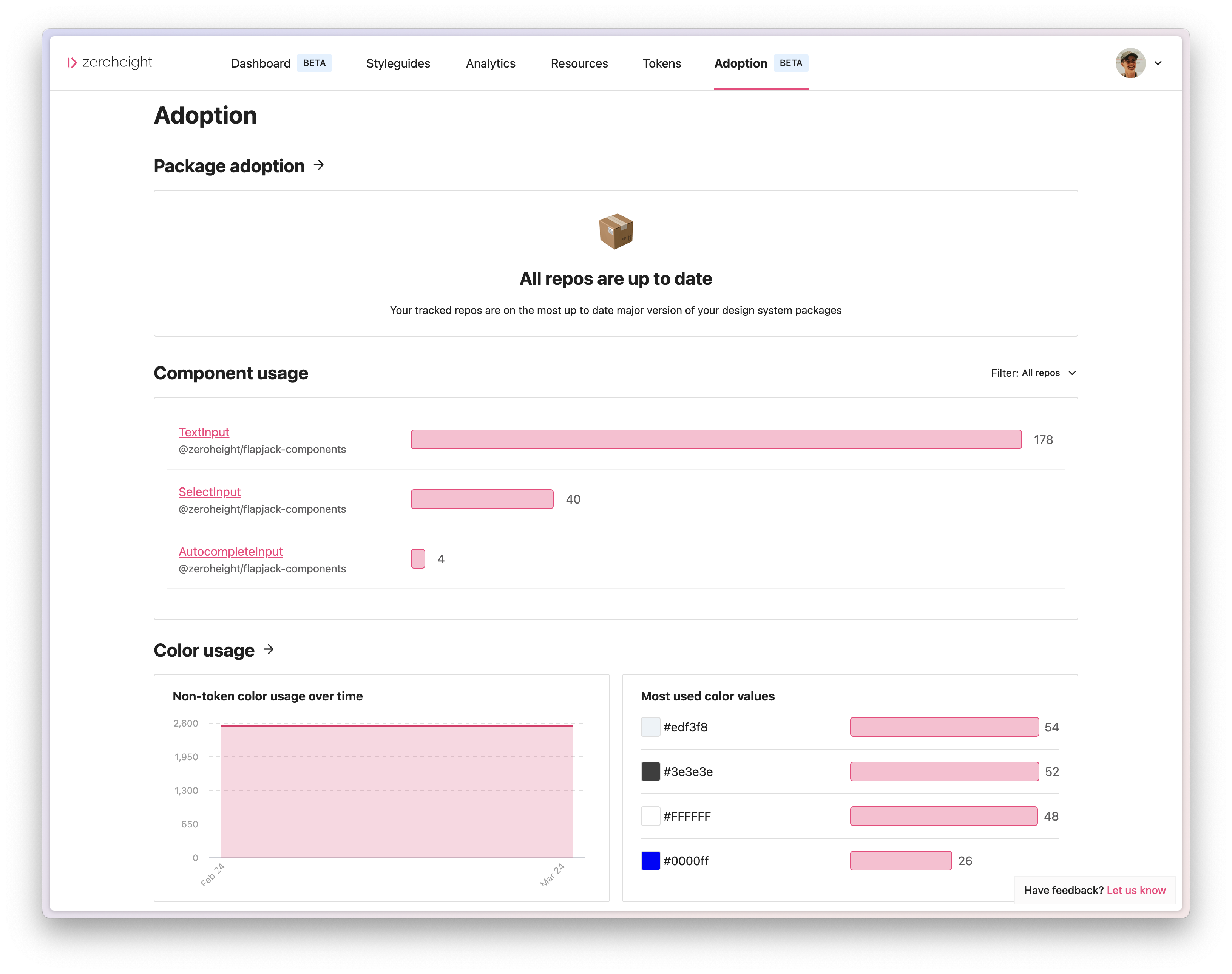
This article will guide you through using the zeroheight Adoption CLI tool in "non-interactive" mode, which will allow you to add workflows to your CI pipelines and therefore regularly push data into your zeroheight Adoption dashboard.
If your codebases are held in GitHub, you can jump straight down to the GitHub action instructions for an easier set up!
Authentication
Authentication in CI environments is done by setting the following environment variables
ZEROHEIGHT_CLIENT_ID
ZEROHEIGHT_ACCESS_TOKEN
The auth command does not be need to run when authenticating this way
Package tracking
Tracking the version of your design system packages
If you release your design system in the form of an NPM package then understanding what version is being used in other codebases is important. To do this, you will need to send the name and the version of your design system packages to zeroheight.
Within the design system package itself you will need to run:
npx @zeroheight/adoption-cli track-package --interactive false
This will send the name and the version of your design system package to zeroheight.
If you have a mono-repo and want to define which packages to track only specific ones, you can pass those through using the -p flag:
npx @zeroheight/adoption-cli track-package --interactive false --packages package1,package2
Tracking use of your design system packages
Now that we have the name and version of your design system packages, you will need to send data about what packages your other code bases are using.
This can be done by running the following command in each codebase you are expecting to use the design system package:
npx @zeroheight/adoption-cli monitor-repo
This will send zeroheight the names and versions of the packages this codebase is using (based on the information available in the lock file).
You can define specific lock files to be looked at using --dir:
npx @zeroheight/adoption-cli monitor-repo --dir ./webApp
Analyzing your codebase
A key part of understanding if your design system is being applied correctly in code is often use of design system components and tokens. The CLI tool is able to analyze which components are being used, along with lack of color token usage.
To get this data into zeroheight, you will need to run the following:
npx @zeroheight/adoption-cli analyze --interactive false --repo-name "My Repo"
The name you chose in this command is what it will be displayed as in the UI.
You are also able to ignore files using glob patterns:
npx @zeroheight/adoption-cli analyze --ignore "**/*.{test,spec}.*"
Or only run it against certain files:
npx @zeroheight/adoption-cli analyze --extensions "**/*.{js,jsx,ts,tsx}"
Tracking how your design system components are being used
If you just want to analyze component usage you can pass in the following flag:
npx @zeroheight/adoption-cli analyze --component-usage --interactive false -r "My Repo"
Assessing where color tokens could be used
If you just want to analyze non-token color usage you can pass in the following flag:
npx @zeroheight/adoption-cli analyze --color-usage --interactive false -r "My Repo"
GitHub action
If your code repositories are in Github, we have a GitHub action accessible via the marketplace that you can use to save you haven't to create your own workflows. This can help you get up and running much quicker.