- Figma
- Adobe XD
- Axure
- Protopie
- Marvel (Please note, Marvel’s embed feature does not allow linking to specific screens within your prototype. If you wish to link to a specific screen within your prototype you will need to add
?emb=0at the end of your link. This will disable Marvel’s Embed feature and allow you to link to a specific screen) - InVision (Please note, there is a known issue whereby the InVision embed will experience a looping effect. There is no workaround for this and requires a fix by InVision)
Embed prototypes

Chi
- Updated
You can embed a range of prototypes in zeroheight including:
 2) Copy the share URL for the prototype
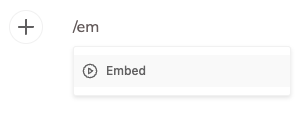
3) Choose the Embed option in zeroheight
2) Copy the share URL for the prototype
3) Choose the Embed option in zeroheight
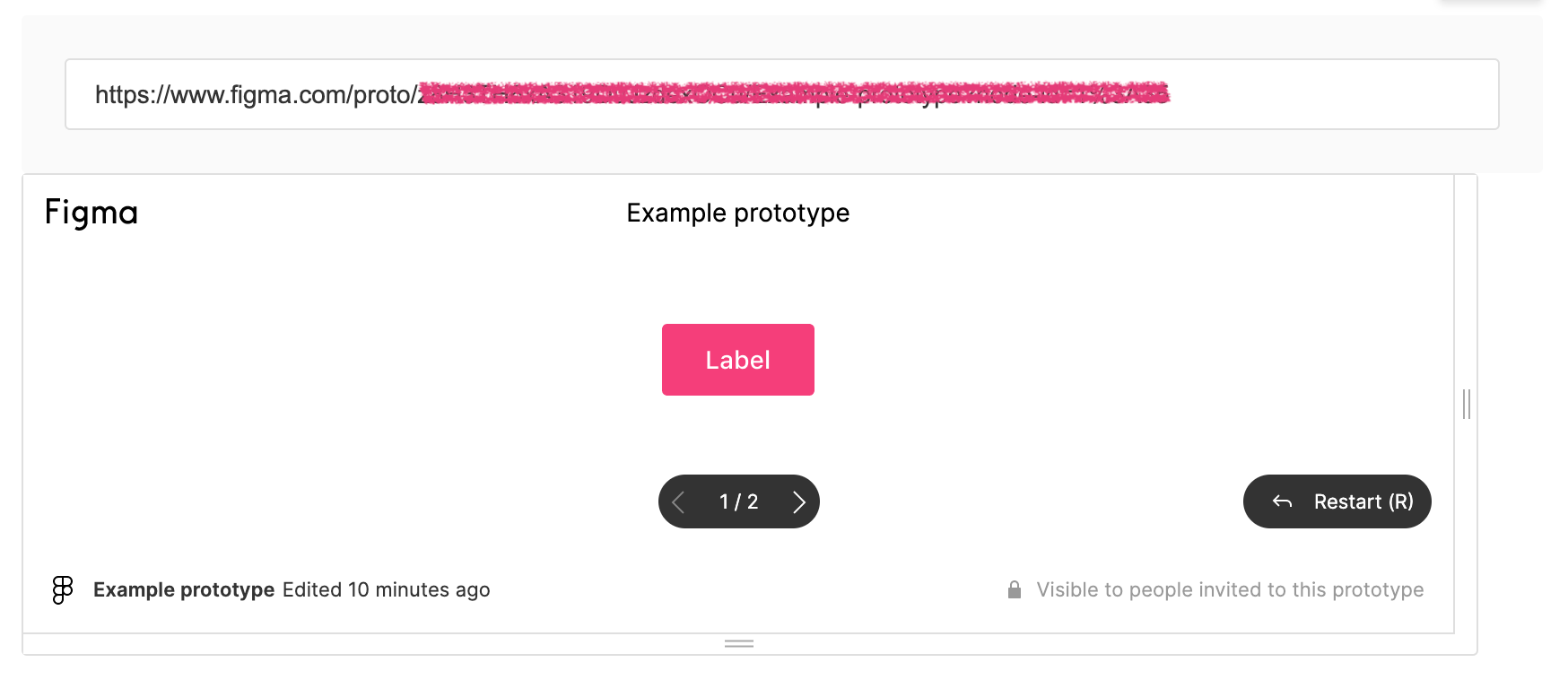
 4) Paste the URL
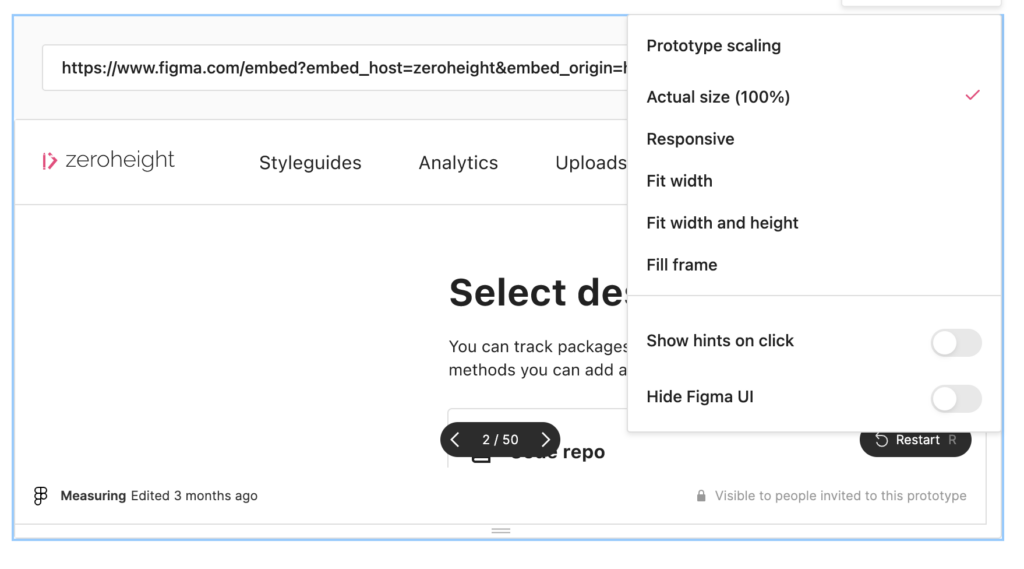
 5) Figma prototypes in zeroheight support different options, setting prototype scaling, hide Figma UI or showing hints on click, will set the default presentation for viewers.
 6) Viewers will be able to interact with the prototype directly in zeroheight
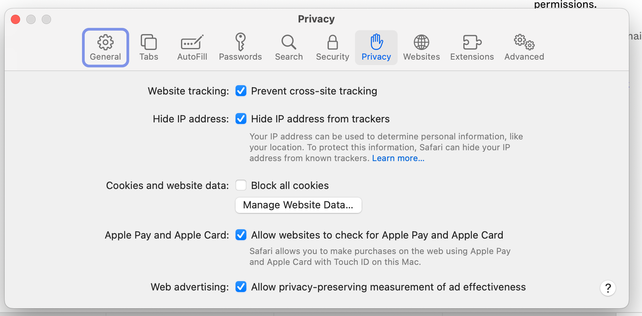 We recommend disabling this feature in Safari, using a different browser, or making the embeds accessible via a link that doesn’t require authorization. There are currently no issues embedding prototypes with Google Chrome
Share this article
Was this article helpful?